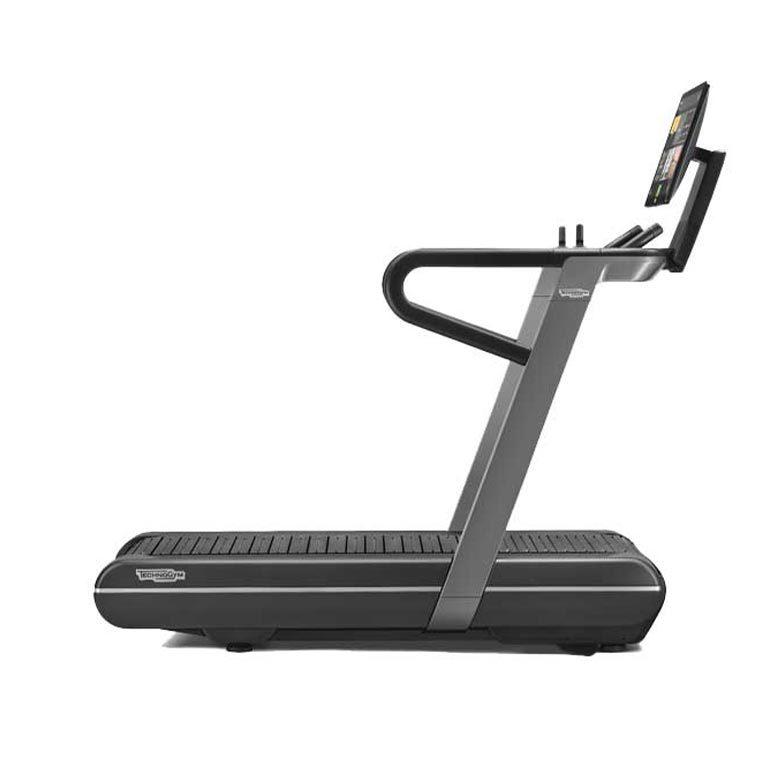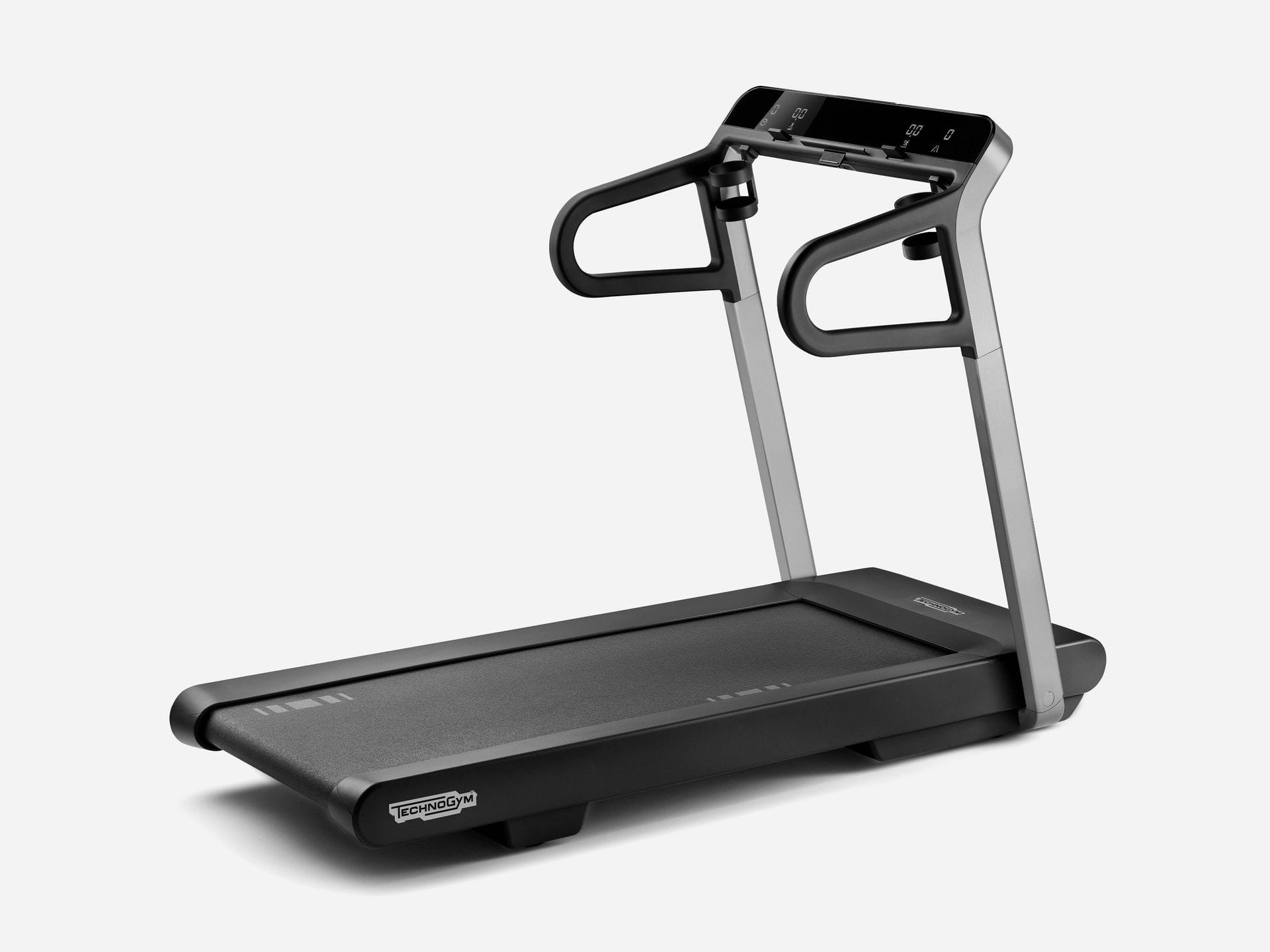
Refined and compact
Refined and compact design, adaptive running surface, and tailored training sessions right from your tablet.
Compact treadmill
423.270 RSD Save 45.000 RSD
Regular price: 468.270 RSD
VAT is included
Fit Day Friday offer valid until 30 November or while stocks last. See the offer
Features>
Refined and compact design, adaptive running surface, and tailored training sessions right from your tablet.
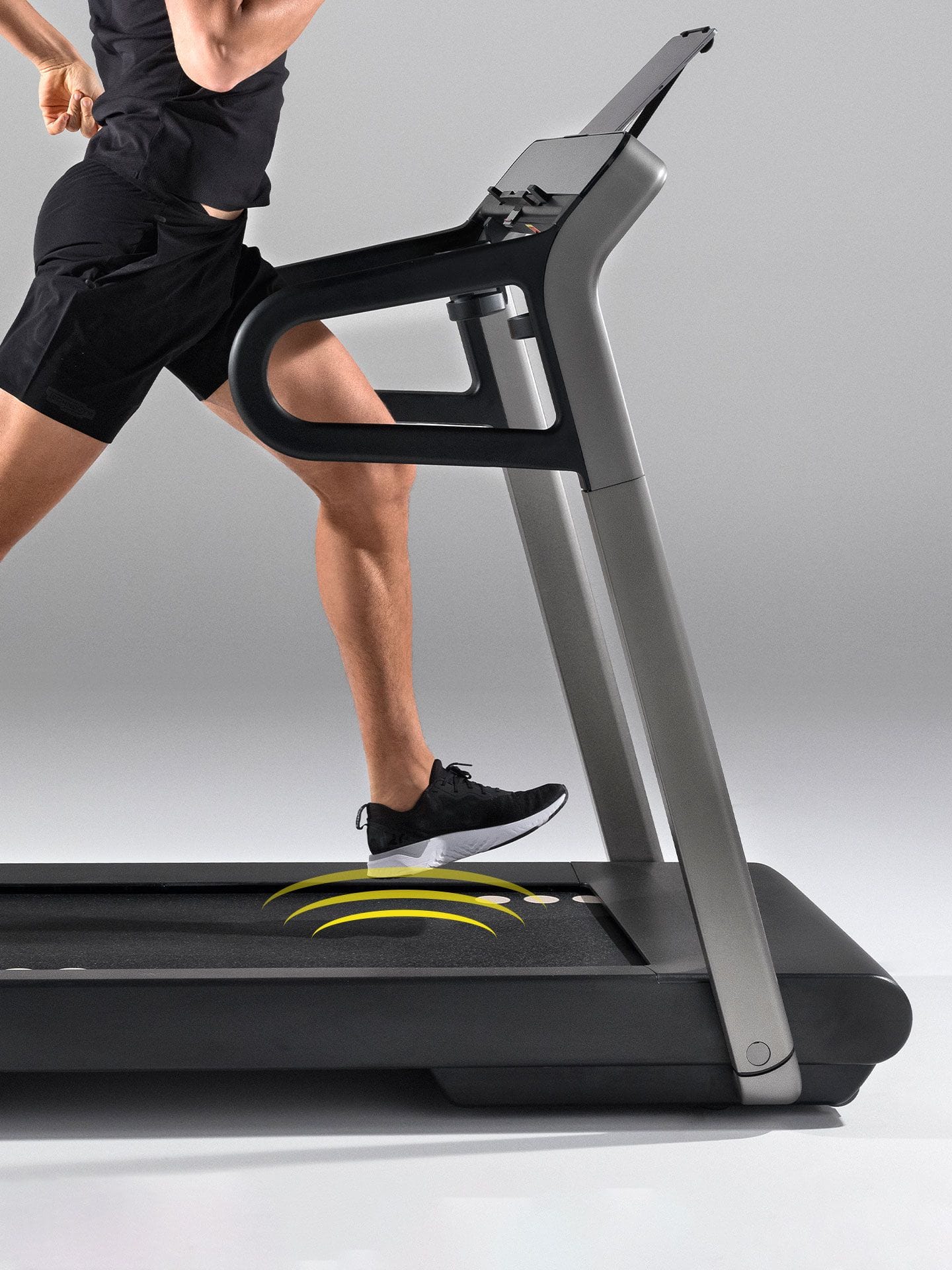
The innovative running surface of the compact treadmill adapts to the way you run and absorbs impacts accordingly, shielding your joints when walking and jogging at lower speeds, and offering the elastic response you need when sprinting.
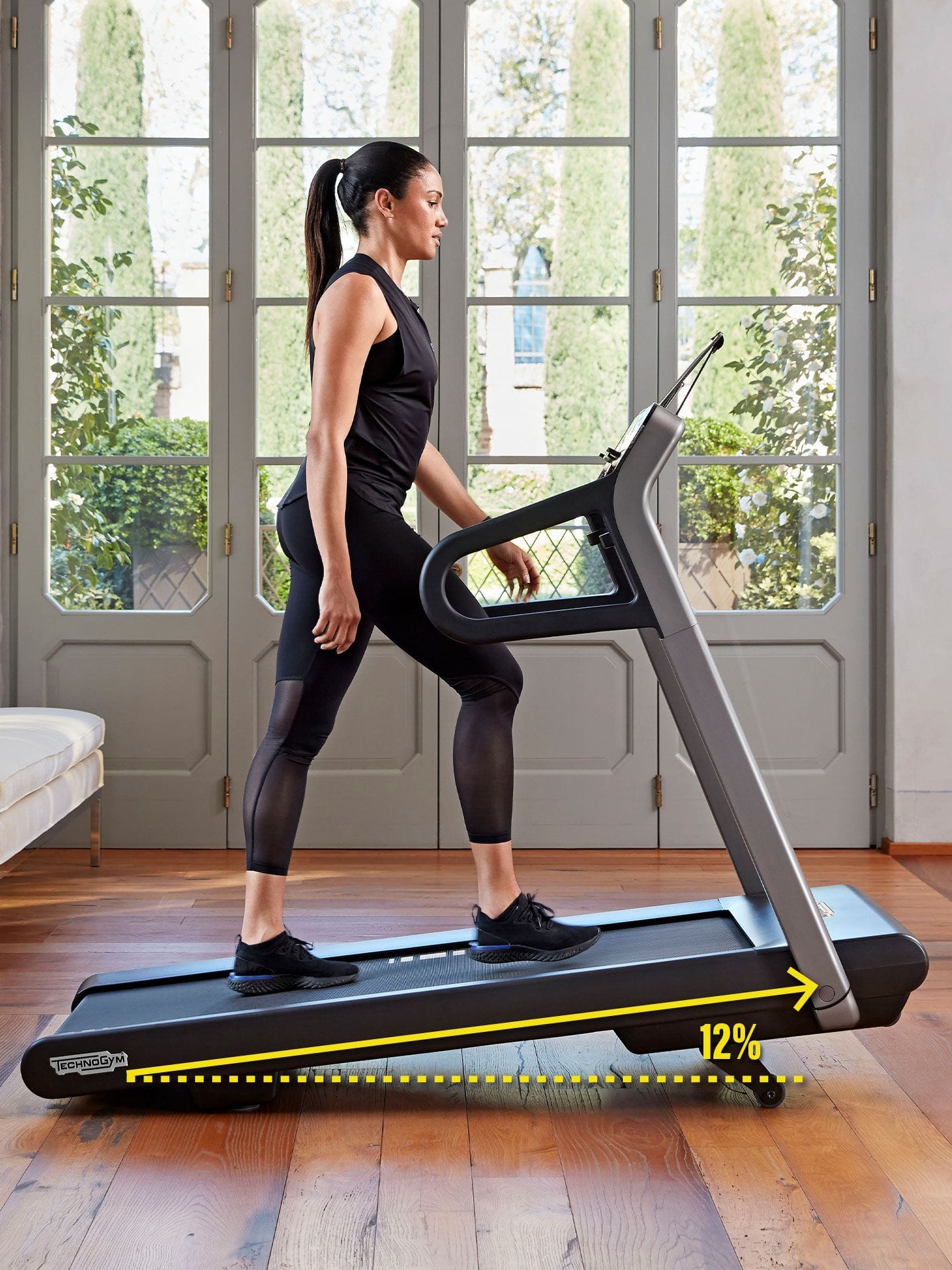
Spend more calories as you climb uphill: MyRun’s incline can range from 0 to 12% and can be controlled by your tablet, so you can focus on giving your best
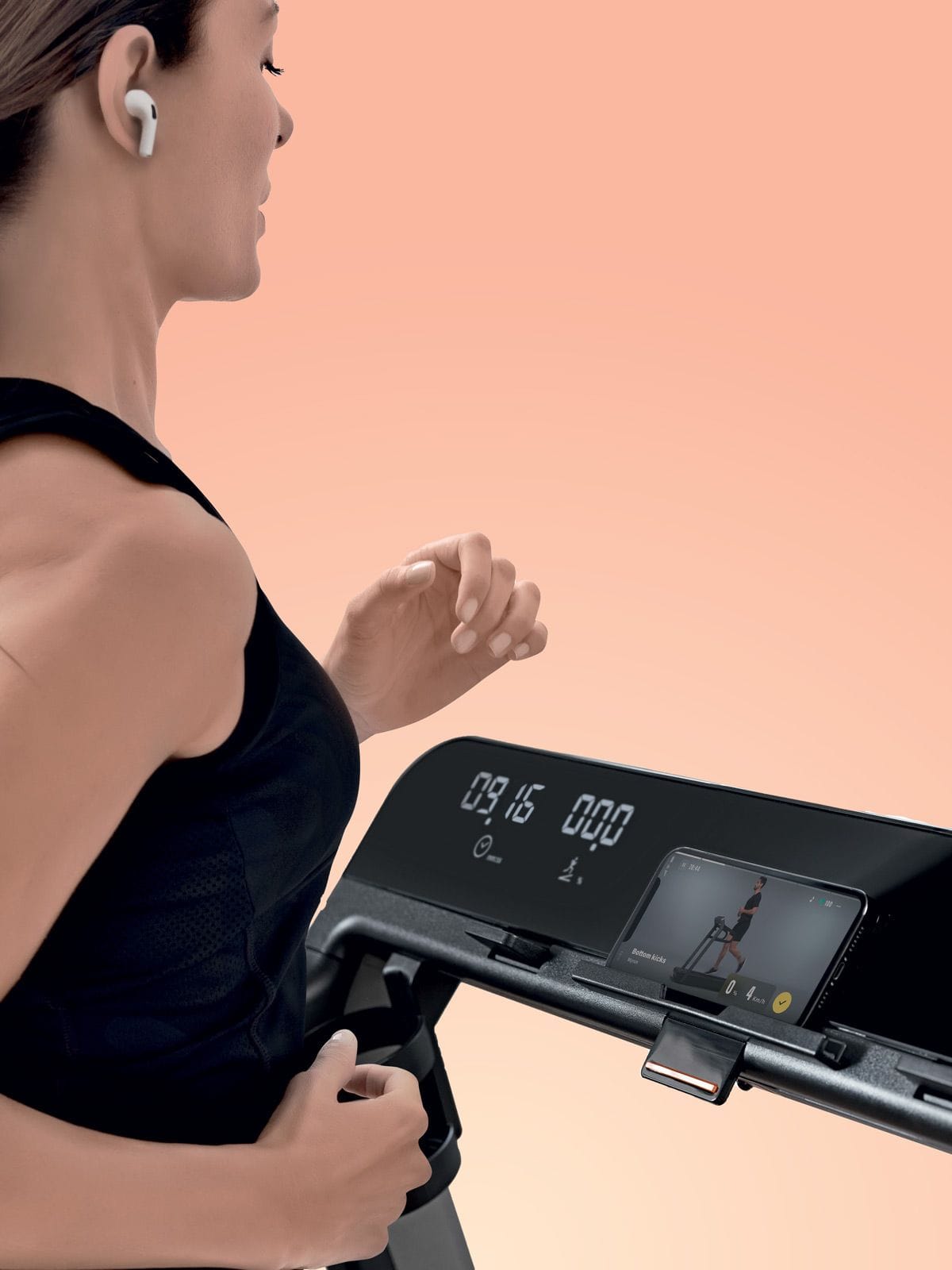
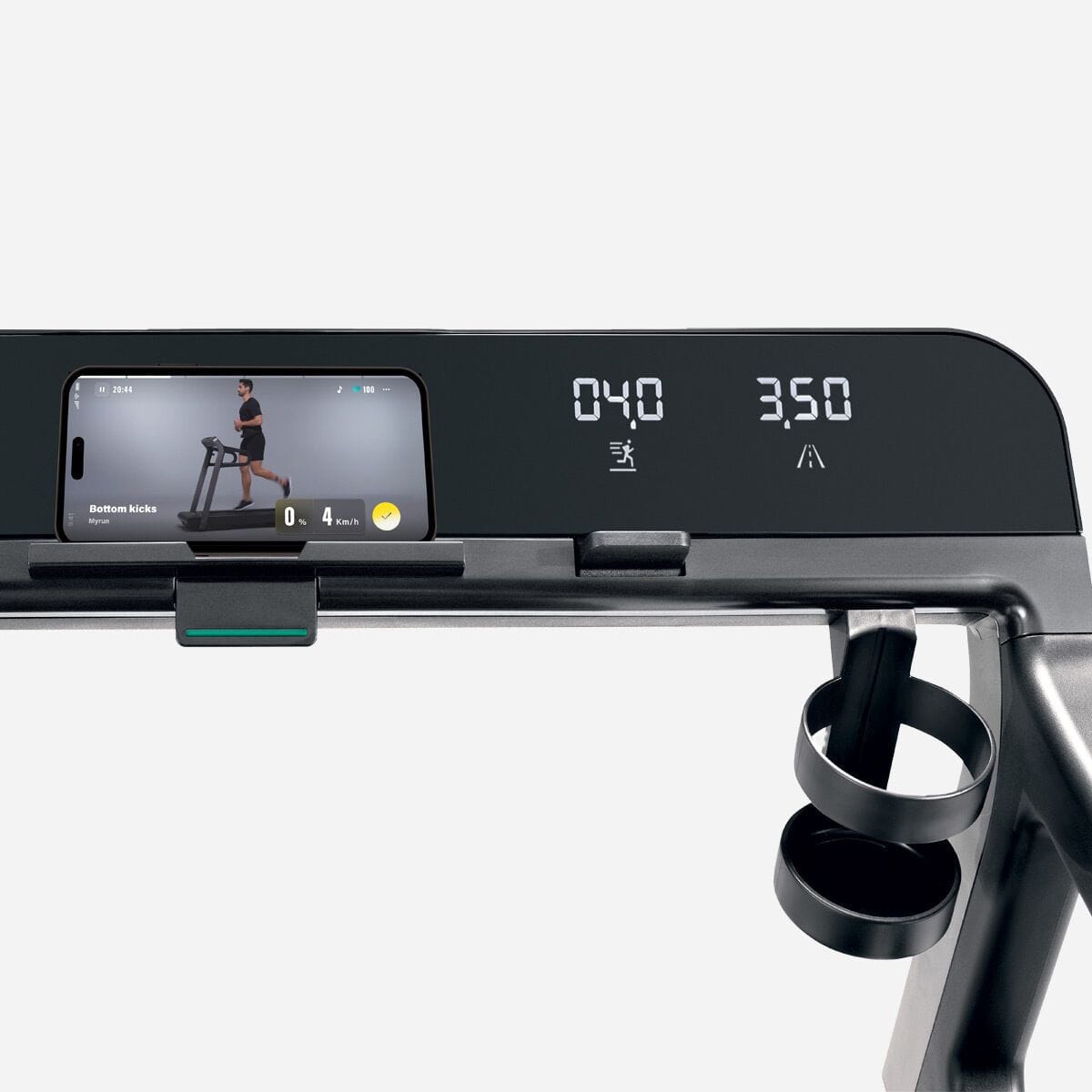
Secure your devices to the treadmill using the designated holder and take advantage of Bluetooth connectivity to train with your favorite Technogym Premium Contents.
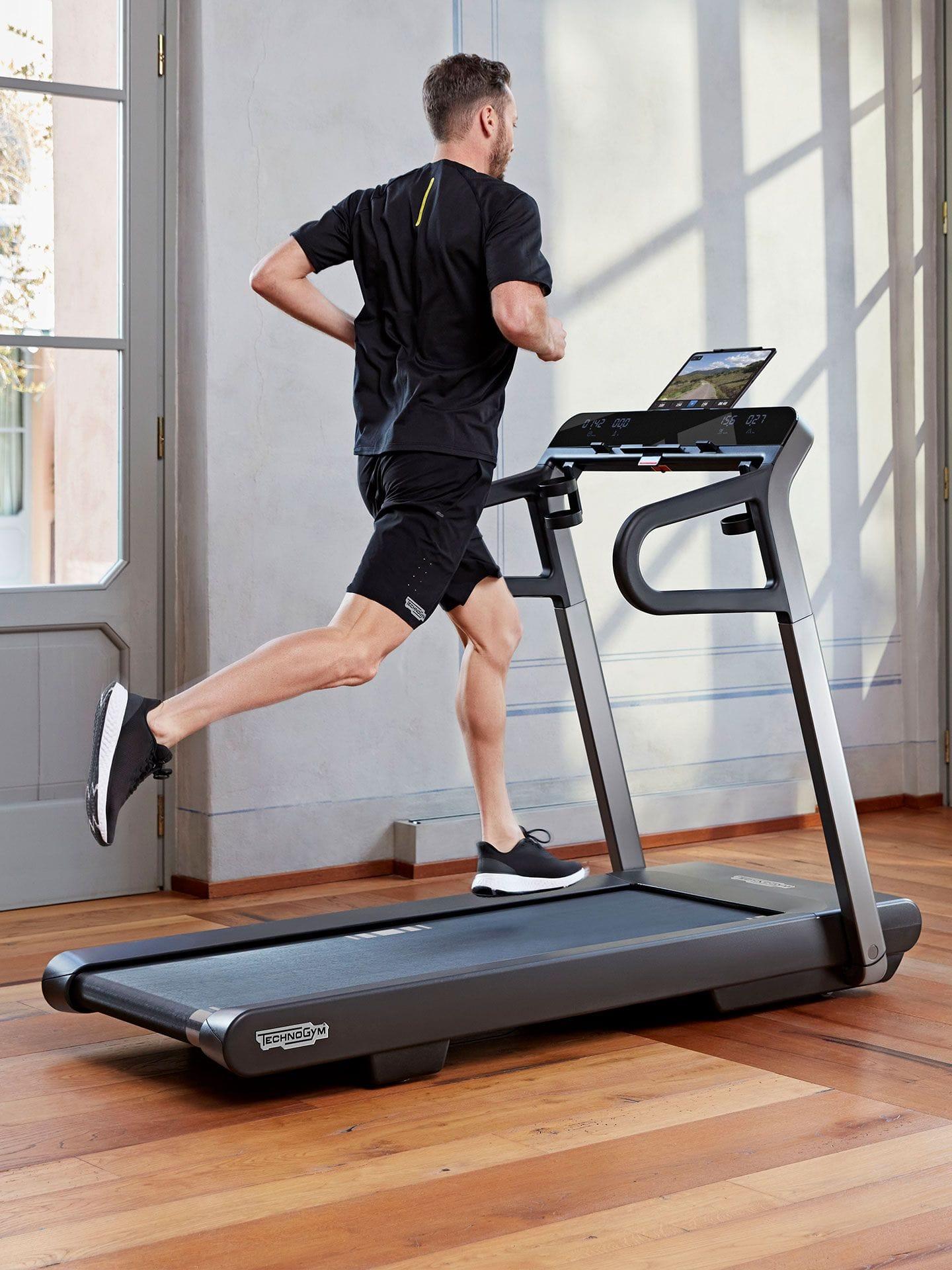
A compact treadmill quiet even at 20 km/h thanks to the innovative drive system and the belt’s fluidity.
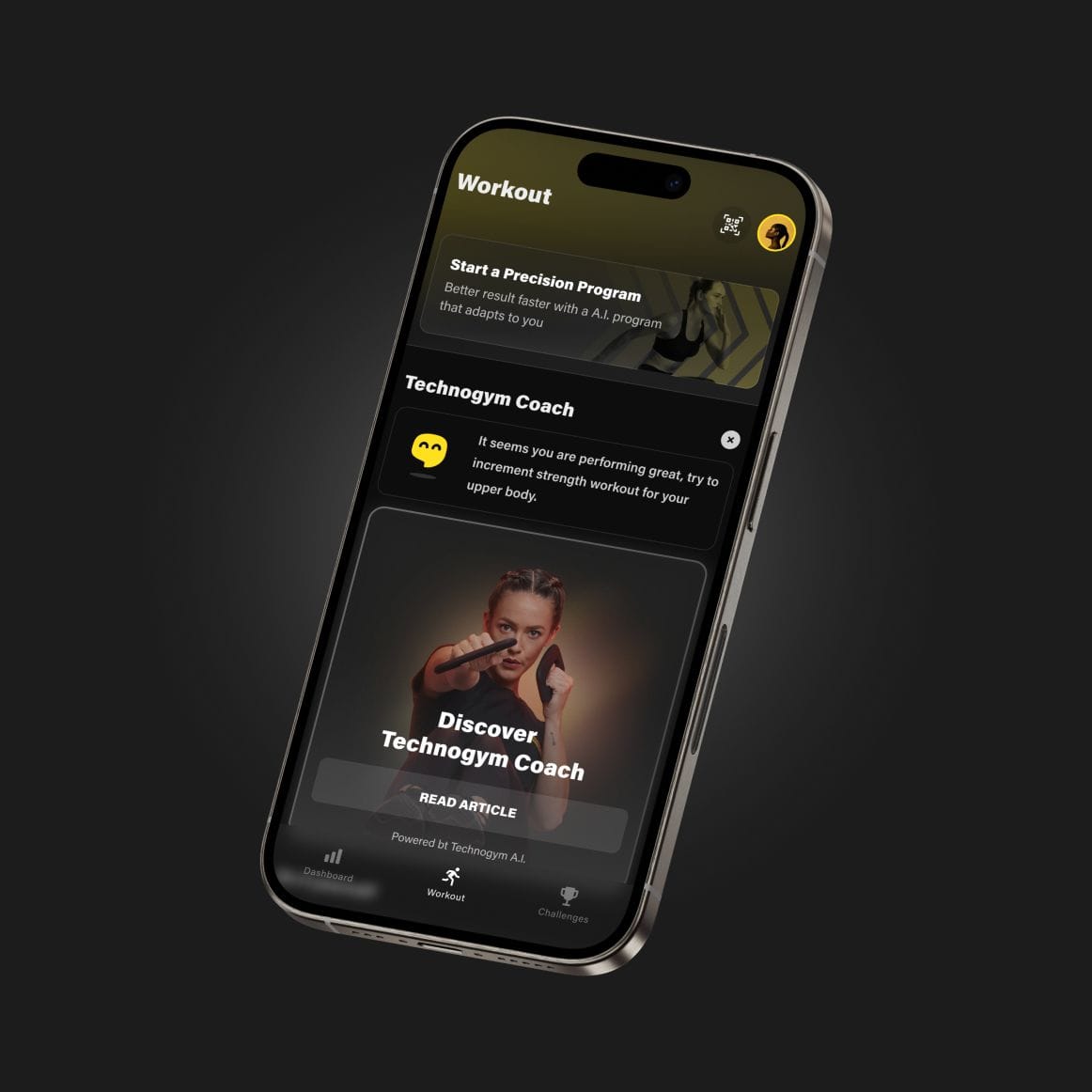
Download
Unlock the full potential of your training with the countless workouts on the Technogym App. Let the Technogym AI Coach guide you and get better results, faster.
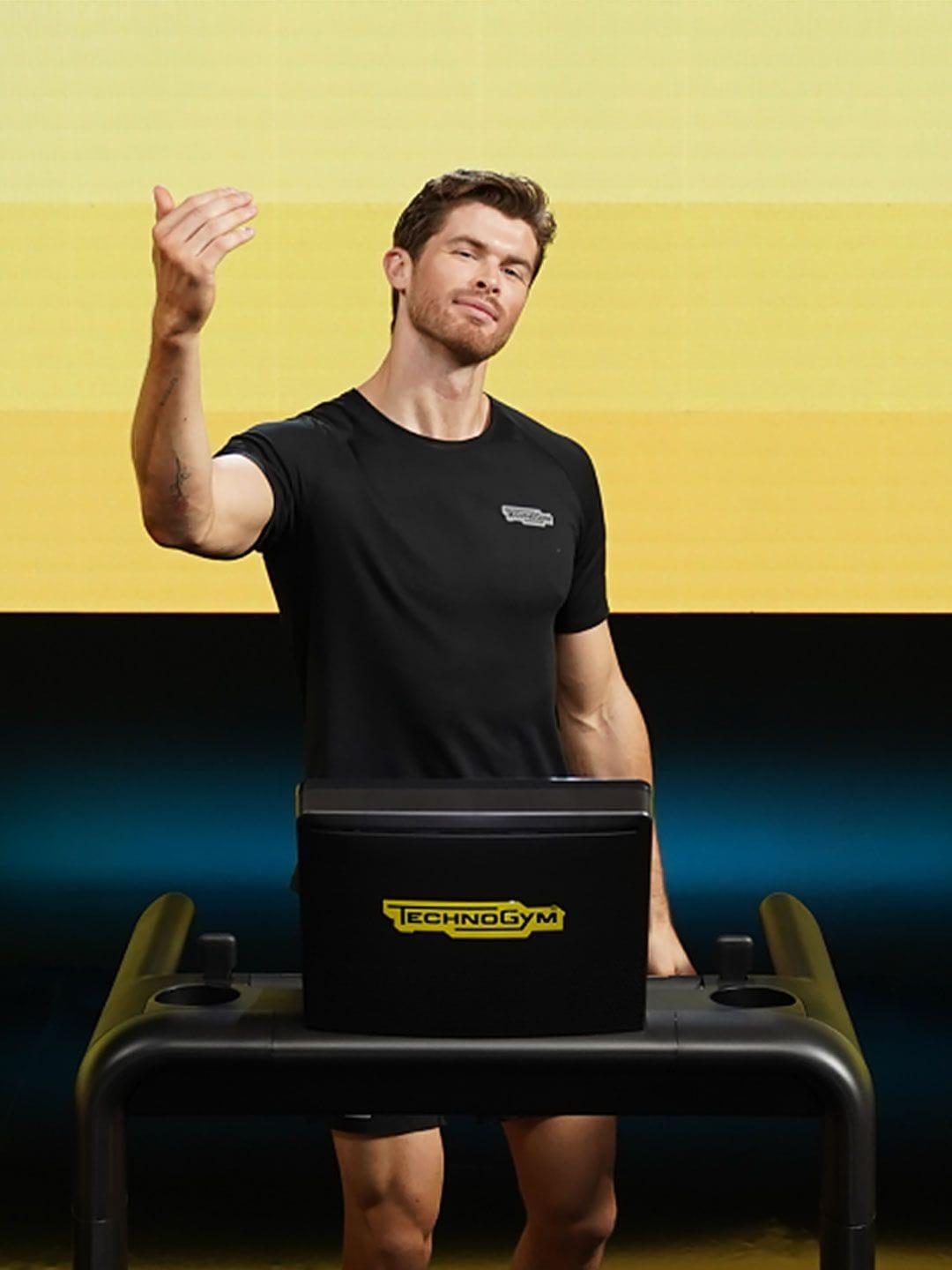
Interactive training
Maximize your effort with on-demand workouts by our talent trainers on Technogym Live app, including strength exercises for a total body workout. Follow the bespoke Routines while MyRun automatically adjusts speed and incline. Choose Constant Pulse Training mode to let the treadmill adjust the intensity based on your own heart rate.
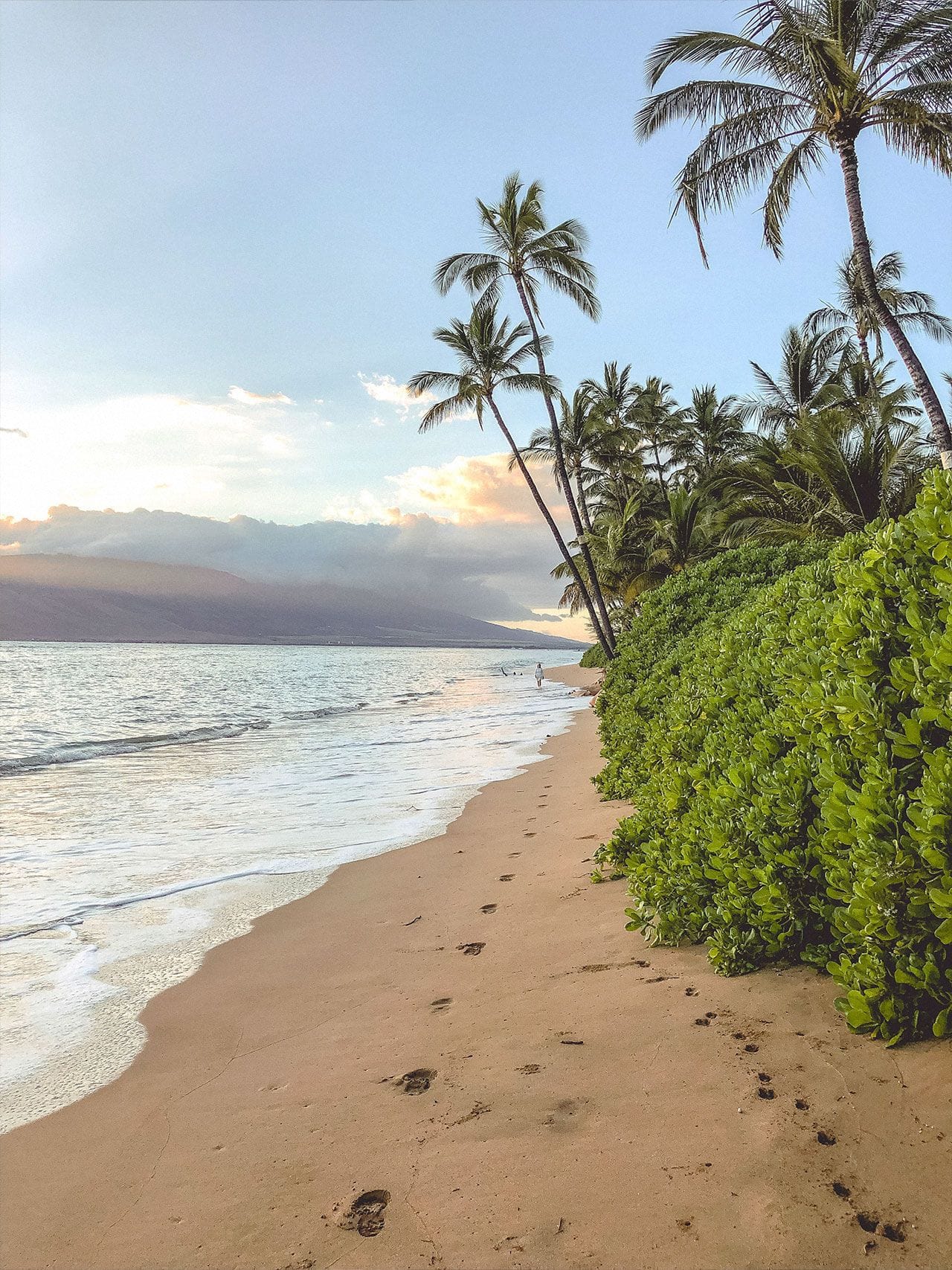
Technogym Outdoors
Scenic Landscapes, Trail Profile or Discovery Sessions. Our Outdoors library has workouts to fire up your body and your imagination

Zwift, TrainingPeaks
Train together with a global community on Zwift's virtual environments or follow your TrainingPeaks prescribed workouts. Connect your Apple Watch to monitor your heart rate and track your results automatically.
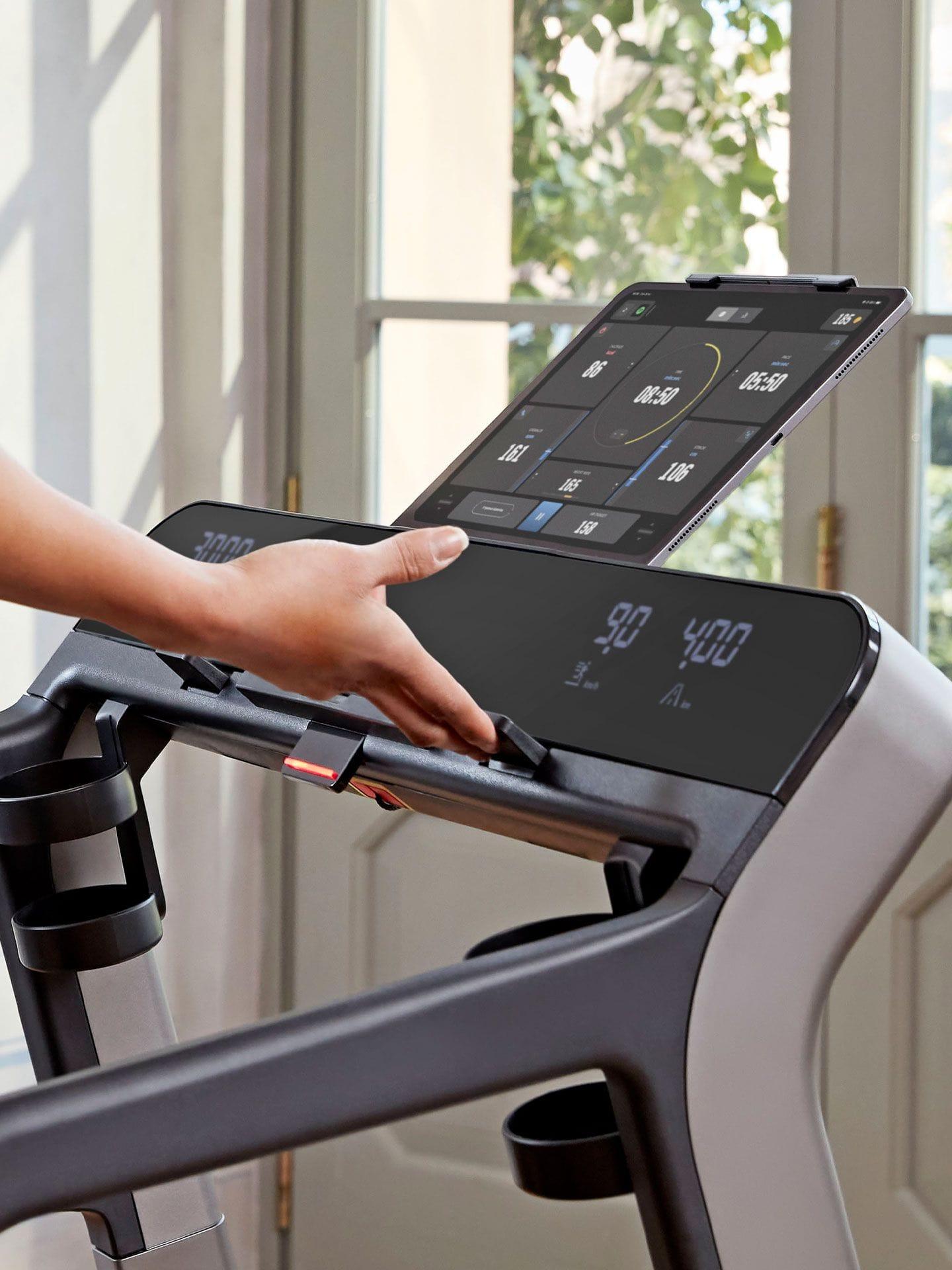
Running Biofeedback
Compare your cadence and step length with reference values, so you can improve your running style and efficiency.
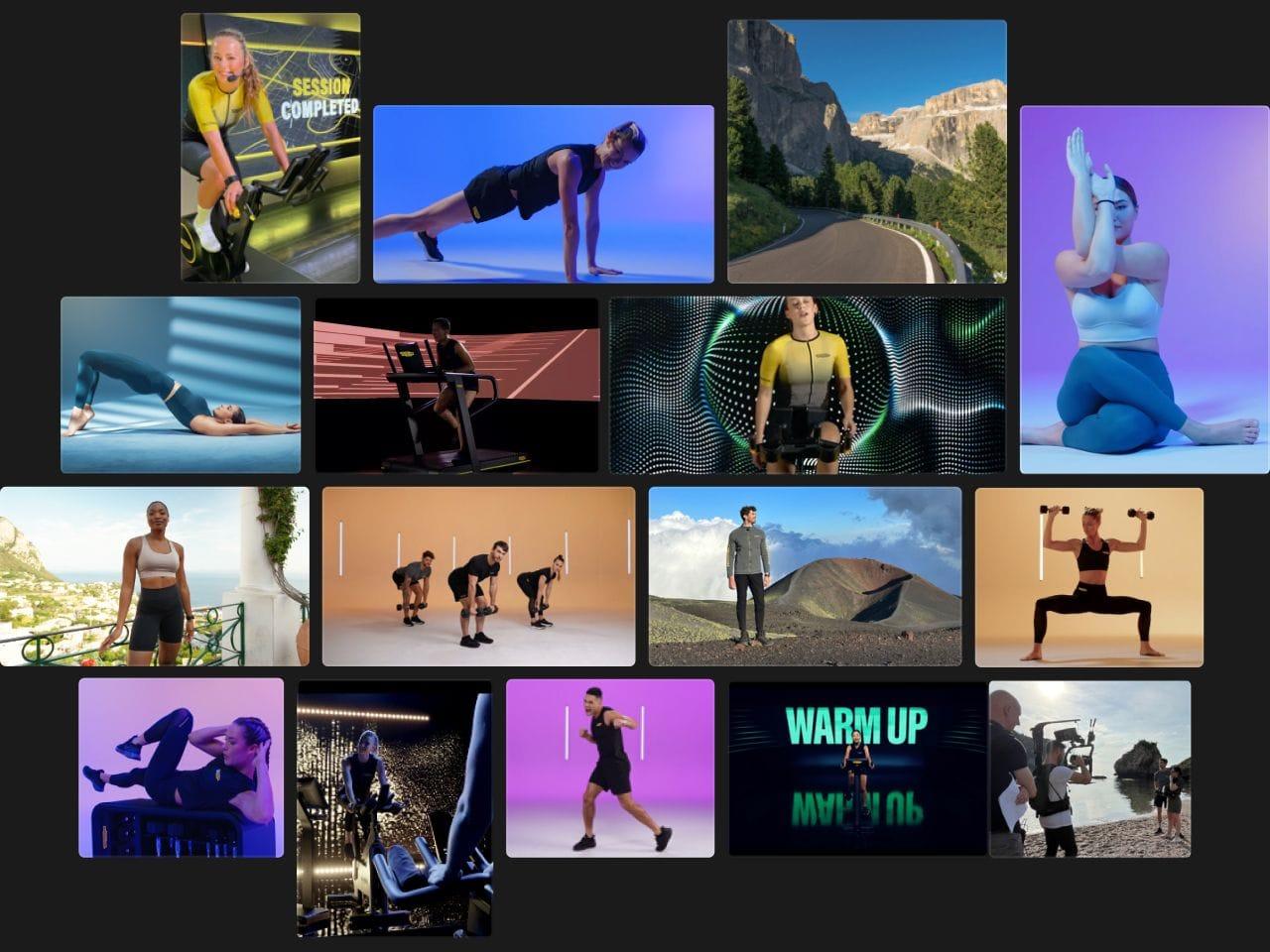
1 ADDITIONAL MONTH OF
Cycling, yoga, boxing, HIIT, strength, guided meditations, and more video training Sessions, with the best trainers showing you proper exercise form and motivating you to achieve maximum results. Get 1 additional free month with the purchase of this equipment.
| Dimensions (LxWxH) | 1760 x 785 x 1260 mm | 69 x 31 x 50 in |
|---|---|
| Weight | 92 kg | 202.8 lbs |
| Running Surface (L x W) | 1430 x 500 mm | 56.3 x 19.7 in |
| Running surface height above ground | 170 mm | 6.7 in |
| Motor power continuous duty | 220 V– 2.5 HP | 110 V – 3.0 HP |
|---|---|
| Power requirement | 230 Vac ±10% 50/60 Hz |
| Max user weight | 140 kg | 308.6 lbs |
|---|
| Speed range | 0.5 - 12.4 mph / 0.8 - 20 km/h |
|---|---|
| Incline range | 0% - 12% |
You can use both a tablet and a smartphone to train with Technogym MyRun. For tablets, download the Technogym Live app. For smartphones, use the Technogym App. The Technogym Live app is available for Apple iPad and Android tablets, while the Technogym App is available for smartphones on the iOS App Store and Google Play Store.
We recommend searching for the app in the store using your device to check compatibility beforehand.
Compatible iOS smartphones and tablets:
iOS 15 or higher.
iPad Pro 12.9" first and second generation both support Technogym Live, but due to their size, they cannot be attached to the Technogym MyRun stand.
Compatible Android smartphones and tablets:
Smartphone and tablets running Android version 7.0 or higher, with Bluetooth® 4.0, and with Google Play Store (Huawei not supported).
Examples of compatible tablets: Samsung Galaxy Tab S6 Lite, and Lenovo Tab M10 FHD Plus.
Simply enable the Bluetooth® connection on your tablet, place it on the MyRun display and start the Technogym Live app. Selecting a workout will prompt you to connect to the equipment: you can now select your MyRun.
You can connect your smartphone* to enjoy Technogym Premium Training Contents, which will automatically adjust the equipment settings for you. Simply enable Bluetooth® on your smartphone, open the Technogym app, and navigate to the “Coach” section in the bottom menu. Add your equipment in the “Discover Your Equipment” area. Once selected, you can find all the available content. Here, you will find Technogym Sessions and Routines available for all equipment so, if you are looking for a session, choose one compatible with a treadmill. Choose your favorite session or routine, and your smartphone will automatically connect to the machine when you start it. You can also select content from the Technogym area in the “Explore” section. Here, you will find Technogym Sessions and Routines available for all equipment. Make sure to choose one compatible with MyRun. If you are looking for a routine, press the cardio routine tile in the routine section and then connect your MyRun. You will see all the available workouts, allowing you to pick your favorite and press.
*Compatible with models produced after 2020 and displaying a product code starting with DCKA. Models displaying a product code starting with DCKN are not compatible.
Heart rate devices can also be synchronised with the Technogym Live app by touching the heart rate icon on the homepage. Once the first pairing is complete, the connection will be automatic every time thereafter.
You can connect your heart rate devices to Myrun using your smartphone, too. You’ll have to synchronize the device to Technogym App and every time you connect your smartphone, your HR device will be synchronize to Myrun, too.
Workouts can be reviewed within the Activity environment by tapping the icon to the right of the Settings icon. This section displays both indoor and outdoor workouts recorded with Garmin and Strava systems, after connecting them through the Connections tab in Settings. On your smartphone you can find your workout history in the “Activity area” on Technogym App.
You can play content from the Spotify app (installed separately) along with Technogym Live content (excluding Technogym Live Sessions which include audio guidance from a trainer).
Yes. The USB port, located in the back of the MyRun dashboard, is useful for charging your tablet either Apple or Android via the device's original cable, so you can train without worrying about the remaining charge.
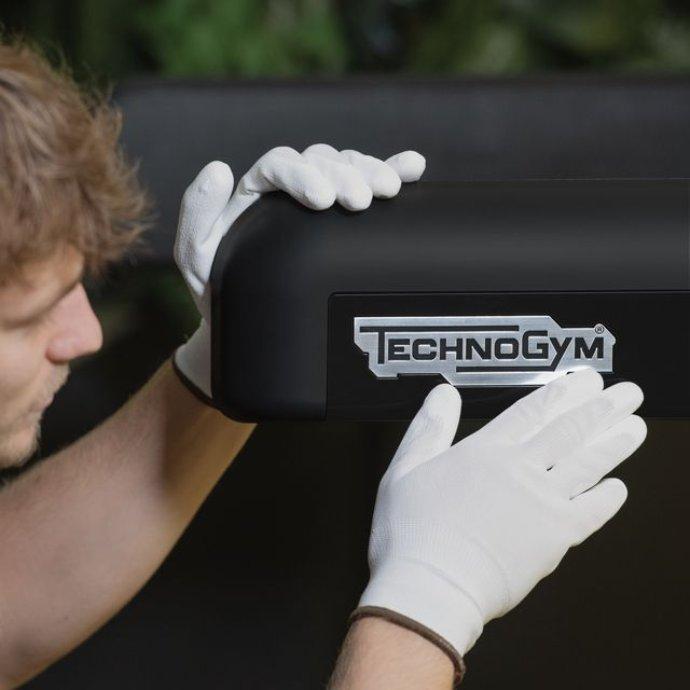
With our product, you get safety with a 2-year warranty, as well as support from an authorized service center. Our expert team is always ready to assist, and all repairs are carried out exclusively with original parts to ensure long-lasting and safe use.
The Technogym Technical Support service provides:
Important: Any work on the product carried out by persons not authorized by Technogym will void the warranty.
Request a quote
Tadeuša Košćuška 63, Belgrade